Awesome Graphics Tools
DLSS, FSR and XeSS for DayZ and rFactor 2
Two plugins, one per game, each with its own setup for Windows and Linux. Upscaling, frame generation and low latency for NVIDIA, AMD and Intel cards, all switched live from one in-game menu.
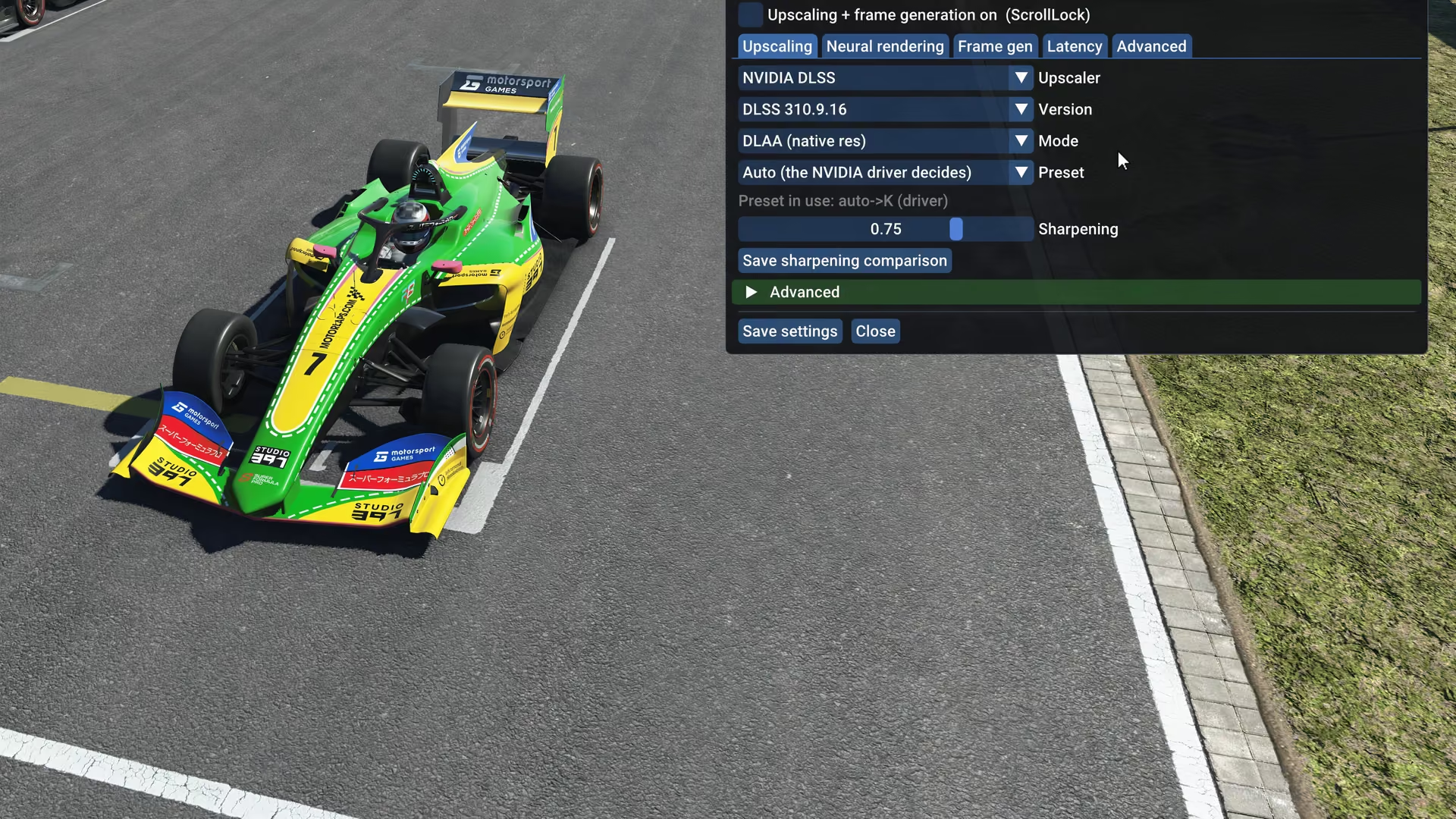
Two games
Choose your game
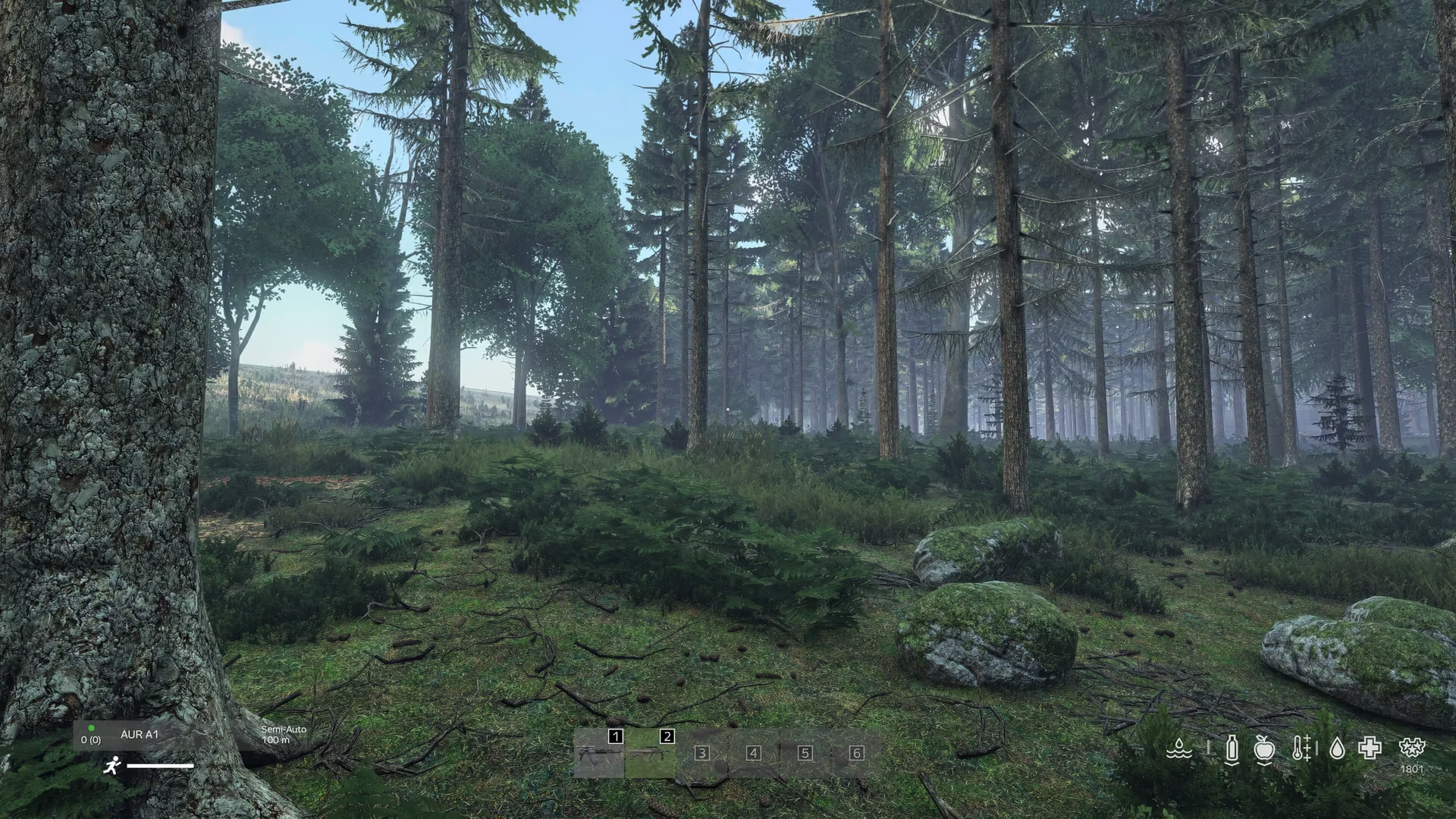
DayZ DLSS
Online on Linux with BattlEye on; on Windows only with BattlEye off, offline or on servers without BattlEye. Includes an image clean-up while upscaling and an offline test mode.
Details on DayZ DLSSrFactor 2 DLSS
Online and offline on Windows and Linux, with no anti-cheat launcher in the way. Works with DLSS Swapper and with exclusive fullscreen.
Details on rFactor 2 DLSSFeatures
Pick the upscaler that fits your graphics card
NVIDIA DLSS, AMD FSR and Intel XeSS in one plugin, plus frame generation and low latency. Every setting applies live, without a restart.
NVIDIA DLSS 4.5 and DLAA
Super resolution for NVIDIA RTX cards (DLSS 310.9.16). Modes from DLAA at native resolution to ultra performance, preset Auto (the driver decides) or a fixed one, and a sharpening slider.
AMD FSR 4, 3.1 and 2.3
Runs on any graphics card through AMD’s own FidelityFX runtime; the game itself stays DirectX 11. Auto picks the newest version, and on non-AMD GPUs FSR 4 runs AMD’s INT8 model. Chosen automatically on AMD, Intel and older NVIDIA cards.
Intel XeSS 3
For any GPU with Shader Model 6.4, practically every DirectX 12 card: Intel Arc uses its XMX units, other cards DP4a. The first switch builds its shaders for a few seconds. If XeSS cannot run, AMD FSR runs instead and the menu says why.
Frame generation
Off by default: Off, Always (2x) or Adaptive to a target frame rate, on top of any upscaler. AMD FSR frame generation runs on any card. NVIDIA DLSS frame generation runs natively on RTX 40 and 50, and on RTX 20 and 30 through the dlssg_sm86 companion. If it cannot start, AMD’s runs instead and the menu says why. Needs a borderless window and works best above about 60 real fps.
Low latency and a frame rate limit
LatencyFleX starts each frame as late as possible, so your input is fresher and the GPU queue stays empty. The frame rate limit is the frame rate you see on screen. Both run on any GPU and switch live.
Experimental: DLSS 5 Neural Rendering
On NVIDIA RTX it runs NVIDIA’s DLSS 5 model. On AMD and Intel it runs an earlier version of that network as Vulkan compute, built for AMD Radeon RX 7000 (RDNA 3): the first start compiles for up to about a minute, later starts take seconds. It needs NVIDIA’s nvngx_dlssnr.dll 310.9.16 in the game folder; nothing of NVIDIA’s model ships with the plugin.
Install
A small package; the vendor files come from the source
The package holds only our own code, about 10 MB. Install downloads about 280 MB once, straight from the official NVIDIA, AMD and Intel releases, and checks every file’s SHA-256 before anything touches the game folder.
A newer DLSS, FidelityFX or XeSS already in the game folder, for example from DLSS Swapper or OptiScaler, is kept.
Requirements
- Any DirectX 11 graphics card with a current driver. DLSS needs NVIDIA RTX, FSR runs on everything, XeSS needs Shader Model 6.4.
- Windows 10 or 11 with the built-in Windows PowerShell 5.1, or Linux with Steam and Proton.
Uninstall
Run the setup again and choose Uninstall. Every replaced file comes back from the backup, every created file and folder is removed, and launch options and changed game settings are restored exactly.
Release
Version 0.5.0: what to know
Build 5ec9ada01, November 2026: the first public release as two products, DayZ DLSS and rFactor 2 DLSS, each with its own setup for Windows and Linux.
Known limitations
- Turning DLSS 5 on, or changing its mode, can drop to a few fps for about 10 seconds before it settles.
- In very draw-heavy scenes, such as a full start grid, the upscalers can be no faster than native: the game is limited by its draw calls there, not by pixels. This is being worked on.
- The Windows build has not yet been tested on a Windows PC; it is tested on Linux with Proton.
- Frame generation needs a borderless window and works best above about 60 real fps.
- DLSS 5 on AMD and Intel is experimental and built for RDNA 3.
New since 0.4.x
- Windows setup without an .exe.
- Vendor files are downloaded and checked instead of shipped.
- DLSS 5 Neural Rendering on AMD and Intel, with the model generated on your own PC.
- Less waiting in the DLSS 5 path.
- Frame-generation memory is freed when it is switched off.
- Older 0.4.x DayZ installs uninstall cleanly with 0.5.
FAQ
Questions before you install
Does it work online?
rFactor 2: yes, online and offline on Windows and Linux. DayZ: on Linux yes, with BattlEye on; on Windows only with BattlEye off, that is offline and on servers without BattlEye.
Does it change my game files for good?
No. Uninstall restores everything exactly as it was.
Why is there no .exe on Windows?
Unsigned .exe files trigger SmartScreen. Setup.cmd and a readable PowerShell script hide nothing.
Do I need an NVIDIA card?
No. AMD FSR and Intel XeSS run on any modern card; only DLSS needs NVIDIA RTX.
Why does the install download files?
The NVIDIA, AMD and Intel files come from their official releases and are SHA-256 checked; we ship only our own code.
Will I get more fps?
That depends on where your game is limited; we promise no numbers.